Help Center
Game Guide
How games work overall, how to coach seniors through their first session, and what each game trains. For the full catalog with descriptions, visit /games.
How a game session works
Participants normally meet games through Today's Training — three games picked for them, each starting by itself at the level the system recommends. The menu below only appears when staff open a game from a participant's hub (the ⋯ button on their card). Either way, a game runs like this:
- Menu (staff only) — pick difficulty (Easy / Normal / Hard) and review the tutorial
- Tutorial — a 3–4 step walkthrough showing the gesture or interaction
- Countdown — 3, 2, 1, GO!
- Play — the actual rounds (typically 1–5 minutes)
- Results — stars (1–3), score, accuracy. In Today's Training the next game follows by itself; from the hub there is a "Play again" button.
Everything after the first tap is hands-free. If a participant steps away for 3 minutes the game pauses with an "Are you still there?" card, and carries on by itself when they step back in front of the camera.
Scores upload to the dashboard automatically when the game ends. If the senior is offline, scores are queued and uploaded when the connection returns.
Difficulty levels
Each game has 3 difficulty levels. We use an adaptive system called IADS — after a few sessions, the recommended starting level adjusts based on past performance.
- Easy — slower pace, larger targets, more forgiving timing
- Normal — standard pace and targets
- Hard — faster pace, smaller targets, tighter timing
Most seniors should start at Easy. Promote to Normal once they consistently get 2–3 stars on Easy.
Coaching tips for first sessions
Even the simplest game can feel intimidating the first time. A few things that help:
- Demo it yourself first. Stand in the camera frame, do one round while the senior watches. They learn faster watching than from a text tutorial.
- Stay close for the first 1–2 sessions, then step back. Most seniors want privacy once they get it.
- Encourage, but don't hover. Body-tracking games can feel awkward at first; let them experiment.
- Suggest favorites. Memory Sequence and Card Match are the easiest starters. Beat Highway and Autumn Trail are crowd-pleasers once they're comfortable.
- Stop when they want. Even 5 minutes counts. Don't push for stars.
Games by cognitive area
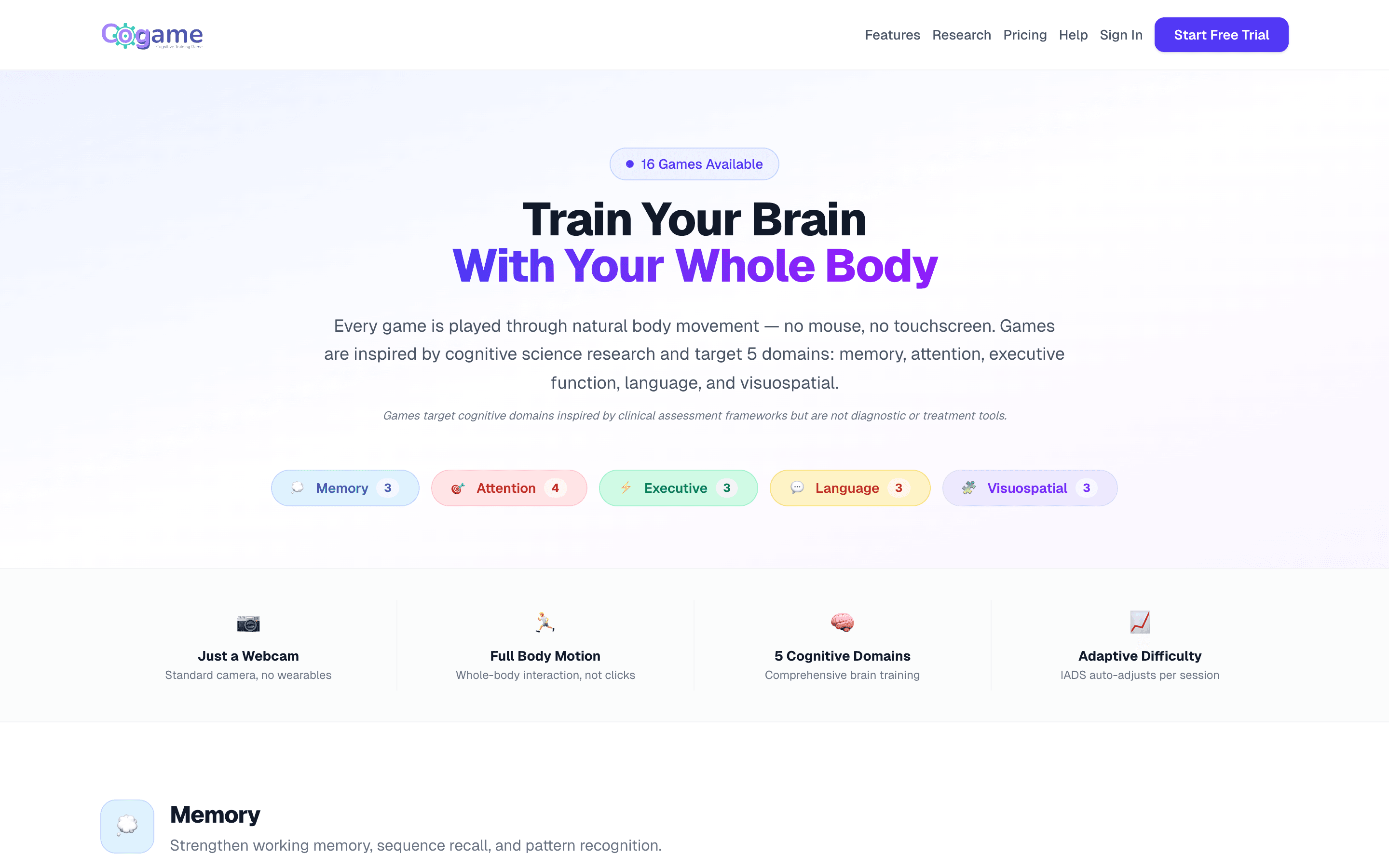
Games are grouped by the cognitive function they primarily train. Most games touch more than one area, but the primary classification is what shows on the dashboard.
Memory (3 games)
- Memory Sequence — repeat patterns of glowing tiles
- Card Match — find matching pairs of flipped cards
- Rhythm Memory — reproduce a rhythm pattern from memory
Attention (4 games)
- Balloon Pop — pop only target-color balloons
- Ball Tracking — keep eye on the right ball as it shuffles
- Beat Highway — match arm movement to oncoming beats
- Autumn Trail — jump, duck, and dodge obstacles on a 3D path
Executive function (3 games)
- 1-Back — match the current item to the previous one
- Traffic Light — go on green, freeze on red (inhibitory control)
- Reaction Block — block from 3 directions, dodge bombs
Language (3 games)
- Hangman — guess hidden words letter by letter
- Fill in the Blank — complete sentences from word options
- True or False — judge statements with arm gestures
Visuospatial (3 games)
- Wipe & Find — sweep away fog to find hidden objects
- Star Trail — connect numbered stars to draw constellations
- Body Clock — use your arm as a clock hand to point at the hour
Accessibility adaptations
Each senior's profile drives in-game accommodations:
- Dominant hand — game UI shifts to the opposite side so the raised hand doesn't cover the screen
- One-arm play — if the senior has limited use of one arm, games like Reaction Block and Traffic Light offer one-arm modes
- Forgiving timing — all judging windows are wider than typical brain training apps; we err on the side of accepting tries
Next
Still need help?
Email us at contact@cogame.ai — or use the in-app chat bubble if you're signed in. We typically reply within one business day.
Cogame v2026.09.09 · 8c96b34